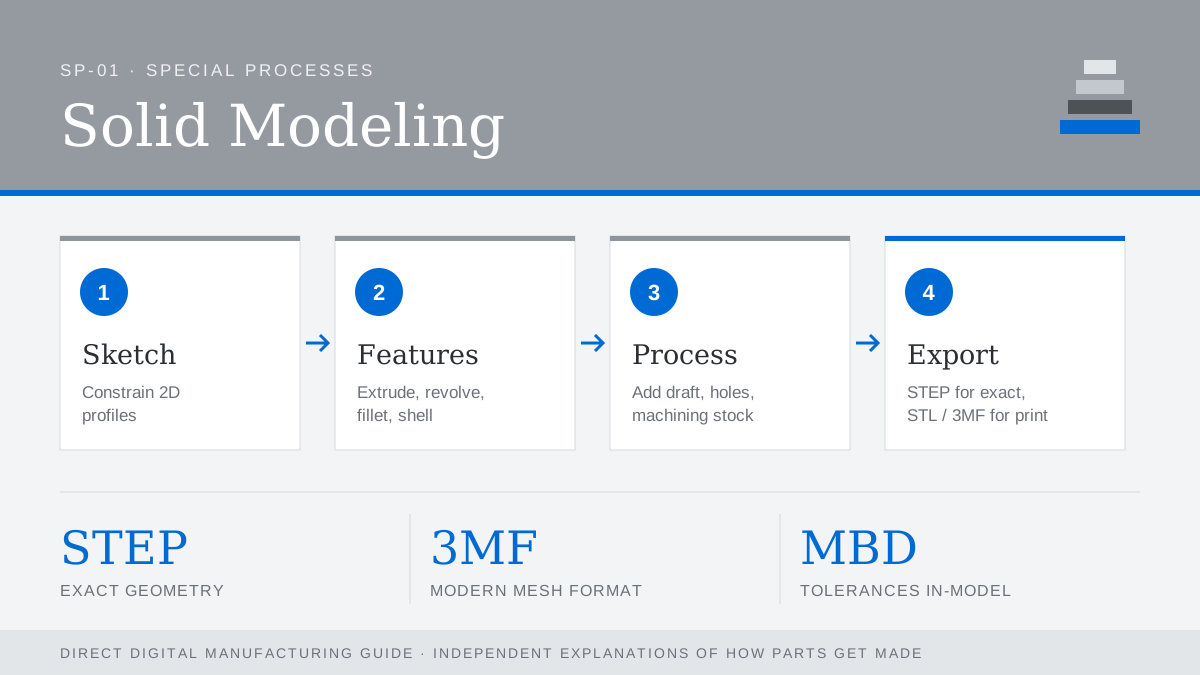
Every process in this guide starts from a 3D CAD model. Parametric solid modelers such as SolidWorks, Creo, CATIA, NX, Inventor and Fusion store a design as a history of features driven by dimensions, so changes ripple through predictably. The quality of that model decides how smoothly everything downstream goes.
What a manufacturing-ready model needs
- Watertight geometry. No gaps, overlapping surfaces or zero-thickness edges.
- Design intent. Dimensions tied to the features that matter, so edits do not break the model.
- Process-specific features. Draft for molding, escape holes for powder processes, machining stock on metal prints.
- Clear tolerances on a drawing or in model-based definition (MBD) annotations.
Exchange formats
| Format | Use |
|---|---|
| STEP (.stp) | Neutral exact geometry; best for machining and tooling |
| STL | Triangle mesh; standard input for many printers |
| 3MF | Modern mesh format with units, color and materials |
| Parasolid / IGES | Kernel-level and legacy exchange |
When exporting STL, check the chord tolerance. Too coarse and curves show facets; too fine and files become unwieldy.